
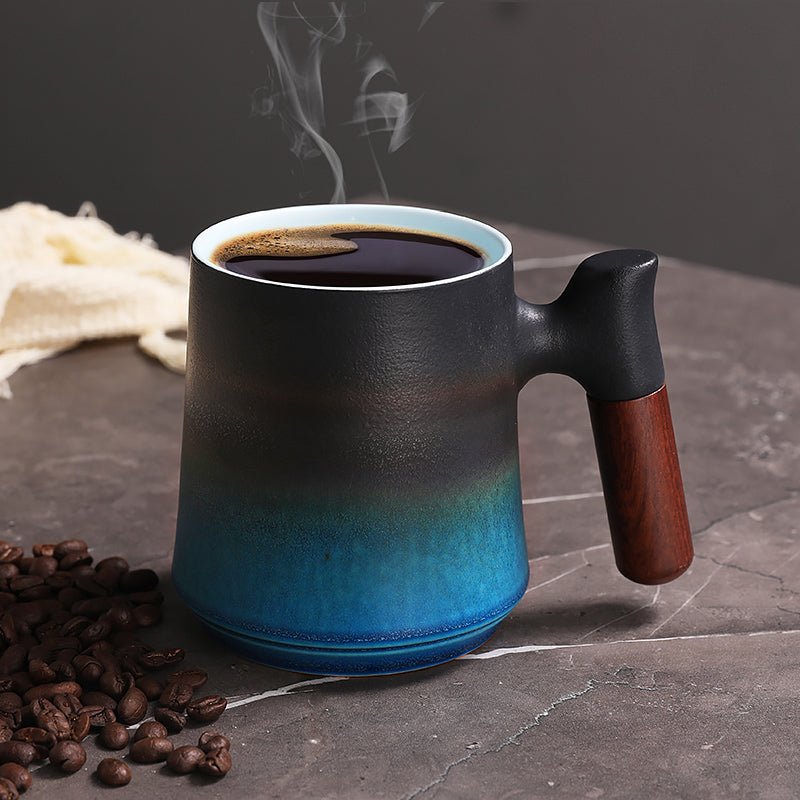
Coffee Mug PNG: What Buyers Should Know Before Using or Downloading It
Reading time: about 9 minutes
A customer can open a mug design file on a laptop, zoom in on the handle, and immediately spot the problem: a fuzzy edge, a white box around the artwork, or a design that looks fine on screen but would print awkwardly on an 11 oz mug. That is usually the point where the difference between a good coffee mug png and a bad one becomes obvious.
We handle mug products and mockup questions in our store all the time, and the same pattern keeps showing up. Buyers want something they can preview, send to a printer, use in a listing, or share with a designer without wasting time. A coffee mug png can be exactly that kind of file, but only if the background, dimensions, and file quality are right for the job.
If you are comparing mug sizes for a design, it helps to understand the physical product too. Our size guides on 11 oz Coffee Mug: Size, Fit, and What to Check Before You Buy, 12 Ounce Coffee Mug Buying Guide: Size, Fit, and Best Uses, and 16 Ounce Coffee Mug Buyer’s Guide: Size, Material, and Fit are useful if your PNG is meant to match a real cup instead of a generic mockup.
What is a coffee mug png used for?
A coffee mug png is usually a digital image of a mug saved in PNG format, often with a transparent background. That transparency is the main reason people look for it. It lets the mug sit cleanly on a website, in a mockup, or on a design canvas without a white rectangle cutting into the layout.
In practical terms, shoppers and small sellers use a coffee mug png for a few common jobs:
- Creating product mockups for online listings
- Showing a logo, quote, or artwork on a mug before printing
- Building social media graphics, ads, or gift previews
- Testing how a design fits around the mug body and near the handle
That last point matters more than most people expect. A wraparound design can look balanced in a flat file and still feel cramped once it reaches the curved ceramic surface. We see this often with oversized text, thin script fonts, and logos that sit too close to the handle.
What makes a coffee mug png file actually useful?
The best coffee mug png files are not just “clear.” They are built for a specific use. A clean PNG should have transparent edges, enough resolution for the intended display, and a mug shape that matches the style you want to show.
Here are the details we check in our experience:
- Transparency: The background should be fully transparent, not a white square saved as a PNG.
- Resolution: A file that looks fine in a thumbnail can still blur when enlarged for a storefront banner or printed proof.
- Edge quality: Watch for jagged outlines around the handle, rim, and shadow line.
- Perspective: A front-facing mug works for some listings, but a slight angle often looks more natural in ecommerce.
- Space for design placement: If you want to add artwork, the blank printable area should be easy to identify.
One common defect mode is a clipped handle shadow or a halo around the mug edge. Another is compression damage from someone converting the file back and forth between formats. PNG is usually chosen because it preserves transparency well, but a bad source file will still look bad.
If you are picking a file for a product page, the mug itself matters too. Our collection of mugs is the better place to compare real shapes, finishes, and sizes once you move past the mockup stage.
How do you tell a clean PNG from a poor one?
We usually advise buyers to inspect a file the same way we inspect a sample mug before it goes live in a listing: slowly and at full size. Zoom in. Check the curves. Check the shadow. Check the rim.
A strong coffee mug png usually passes this quick test:
- The background disappears completely when placed on a dark or patterned canvas.
- The mug outline stays smooth around the handle and lip.
- The proportions make sense for a standard ceramic mug, not a novelty cup unless that is the goal.
- The printable area is obvious enough that a designer can place text without guessing.
- The file still looks crisp after resizing moderately.
A weaker file often shows thin gray edges, uneven lighting, or an odd oval rim that makes the mug look stretched. Those flaws are easy to miss if you only preview the file on a white background. They become obvious on a product page, in a presentation, or in a print proof.
Our rule in the store is simple: if a mug PNG only looks good in one exact size, it is too fragile for real use.
What should you use a coffee mug png for, and what should you not use it for?
A coffee mug png is good for mockups, digital presentations, and simple design previews. It is not the right tool for final print production unless you know the file is built for that purpose and sized correctly. A pretty image and a print-ready template are not the same thing.
Use a coffee mug png when you want to:
- Show a mug concept to a customer or teammate
- Preview a logo placement before ordering samples
- Create a clean graphic for a blog, banner, or listing image
- Compare design placement on different mug sizes
Do not rely on it when you need:
- Accurate printer specs without checking dimensions
- A replacement for a physical sample
- Artwork that must match exact bleed or wrap measurements
- Final color approval for ceramic printing
That trade-off matters. A PNG is flexible, but it is also just a visual file. For actual product selection, buyers should still compare the physical mug size, wall thickness, and handle feel. Our guides on 10 oz Coffee Mug: Size, Fit, and What to Check Before You Buy and 14 oz Coffee Mug: What Buyers Should Check Before They Buy are useful if your design needs to match a particular cup rather than a generic image.
Which mug size should match your PNG mockup?
Size mismatch is one of the most common reasons a mockup looks right online but feels wrong in real life. A design that fills a smaller mug can look too busy on a larger one. A design that looks elegant on a 16 oz mug can feel lost on a compact cup.
Here is a practical way to think about it:
| Mug size | Best for | Common trade-off |
|---|---|---|
| 10 oz | Smaller servings, tighter layouts, gifts with compact artwork | Less room for wraparound graphics |
| 11 oz | Standard everyday use and most common mockups | Can feel small for heavy coffee drinkers |
| 12 oz | Balanced daily use and moderate artwork | Less compact than an 11 oz mug |
| 14 oz | Larger graphics, longer text, office use | Bulkier on a small desk or shelf |
| 16 oz | Big coffee servings, bold branding, roomy designs | Can overpower delicate artwork |
If you are choosing a PNG for a listing or gift concept, start with the mug size first and the art second. We see too many buyers build a design on a generic mug image and only later realize they wanted a different body shape altogether. If that is your situation, the mug collection at https://coffeifymug.com/collections/all is the best place to compare options side by side.
How do material and finish affect the way a coffee mug png looks?
A PNG mockup can make any mug look polished, but the real product changes the final impression. Glossy ceramic reflects light differently than a matte finish. White ceramic makes colors pop. Dark mugs can mute lighter artwork. A straight-sided mug presents more printable space than a tapered one.
In our experience, these are the details buyers overlook most:
- Ceramic finish: Gloss can show reflections in photos; matte can soften contrast.
- Rim and handle shape: These change the overall silhouette more than people expect.
- Dishwasher wear: Repeated cycles can matter for printed designs, especially if the artwork or coating is not meant for heavy washing.
That is why a coffee mug png should be treated as a visual starting point, not the final decision. If you want the mug to feel substantial in hand, or if it will sit on an office desk all day, the actual material and shape matter just as much as the artwork layout.
What should buyers check before downloading or using one?
Before you use a coffee mug png in a mockup or product page, we recommend checking a few practical items. This saves time later and avoids the most common “looks good on screen, wrong in reality” problem.
- Confirm transparency: Place the file on a dark background and a patterned background.
- Check the edges: Look for halos, jagged outlines, or leftover white pixels.
- Confirm orientation: Make sure the handle faces the correct side for your layout.
- Match the size: Use an image that aligns with the actual mug size you plan to sell or buy.
- Test readability: If your design includes text, shrink it once to see whether it still reads clearly.
We also recommend checking whether the file is intended for editing, display, or printing. That small detail can change everything. A mockup PNG may be perfect for marketing but not enough for production.
Frequently asked questions
What is a coffee mug png file used for?
A coffee mug png file is commonly used for product mockups, design previews, web graphics, and social media visuals. The transparent background lets the mug sit cleanly on different layouts without a visible box around it.
Is a coffee mug png the same as a print-ready file?
No. A PNG can be useful for previews, but print-ready artwork usually needs exact dimensions, bleed, and the correct file setup for the printer. We treat PNGs as visual tools first, not final production files unless the source specifically says otherwise.
Why does my coffee mug png have a white background?
That usually means the file was saved without transparency or exported with a white canvas behind it. A proper PNG for mockups should show the background checkerboard in your editing software, or disappear cleanly on a dark canvas.
Which mug size looks best in a mockup?
It depends on the artwork. An 11 oz mug is the most familiar everyday size, while 14 oz and 16 oz mugs give more room for larger graphics or longer text. If your design is compact, a smaller mug can look better and feel more realistic.
Can I use a coffee mug png for a shop listing?
Yes, if it is a clean image and it matches the product you are actually selling. For a listing, the mockup should reflect the real mug shape, finish, and size as closely as possible so buyers are not surprised when they receive the item.
If you are still comparing options, start with the real mug size guides, then move to product browsing. Our team would check the size fit first, then the finish, then the artwork placement. The easiest next step is to review the mugs in our all products collection and use the sizing articles above to match the PNG to the mug you actually want to buy or sell.
More from our blog
Read more
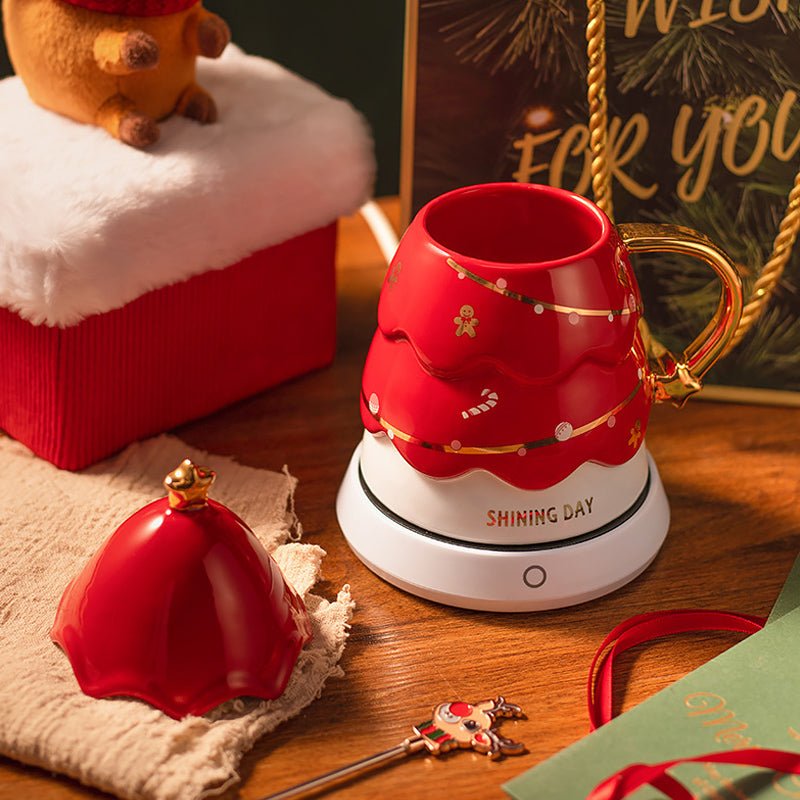
Coffee Mug Christmas Gift Ideas People Will Actually Use
A practical guide to coffee mug Christmas gift ideas, with real buying details on size, material, handle comfort, care, and how to match a mug to the recipient’s routine.
Weiterlesen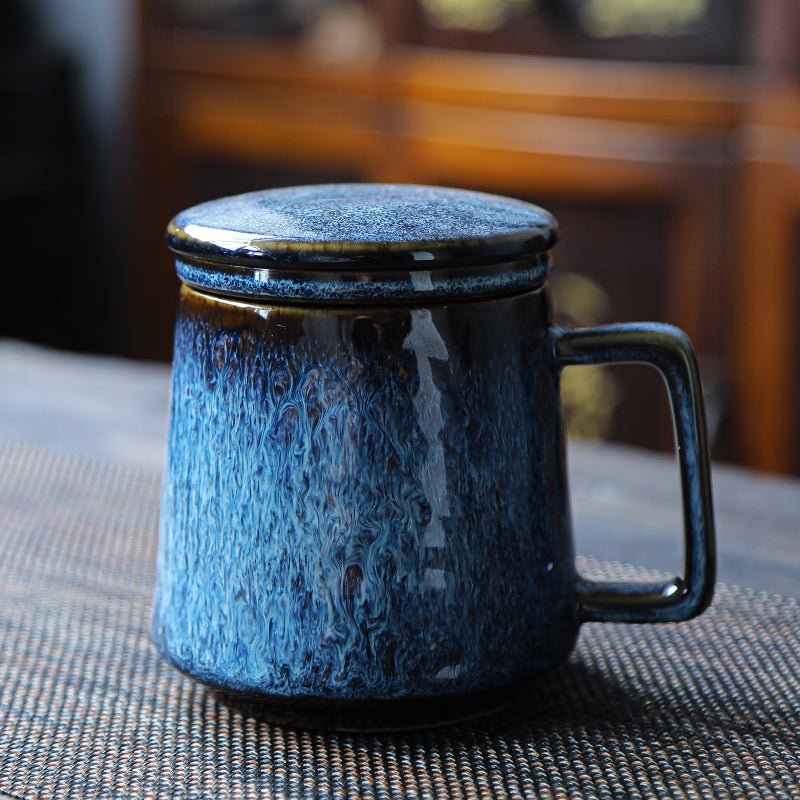
CVS Personalized Coffee Mugs: What to Compare Before You Buy
A practical guide to comparing cvs personalized coffee mugs by print quality, mug material, size, and care before you order. It also shows when a standard ceramic mug is a better gift than a travel...
Weiterlesen
Hinterlasse einen Kommentar
Diese Website ist durch hCaptcha geschützt und es gelten die allgemeinen Geschäftsbedingungen und Datenschutzbestimmungen von hCaptcha.